 Neatkept
Unpacking after a move? Know what's in every box
The move is done and the hallway is full of boxes you won't unpack this month. One photo per box, and you still know what's in each.
-
1
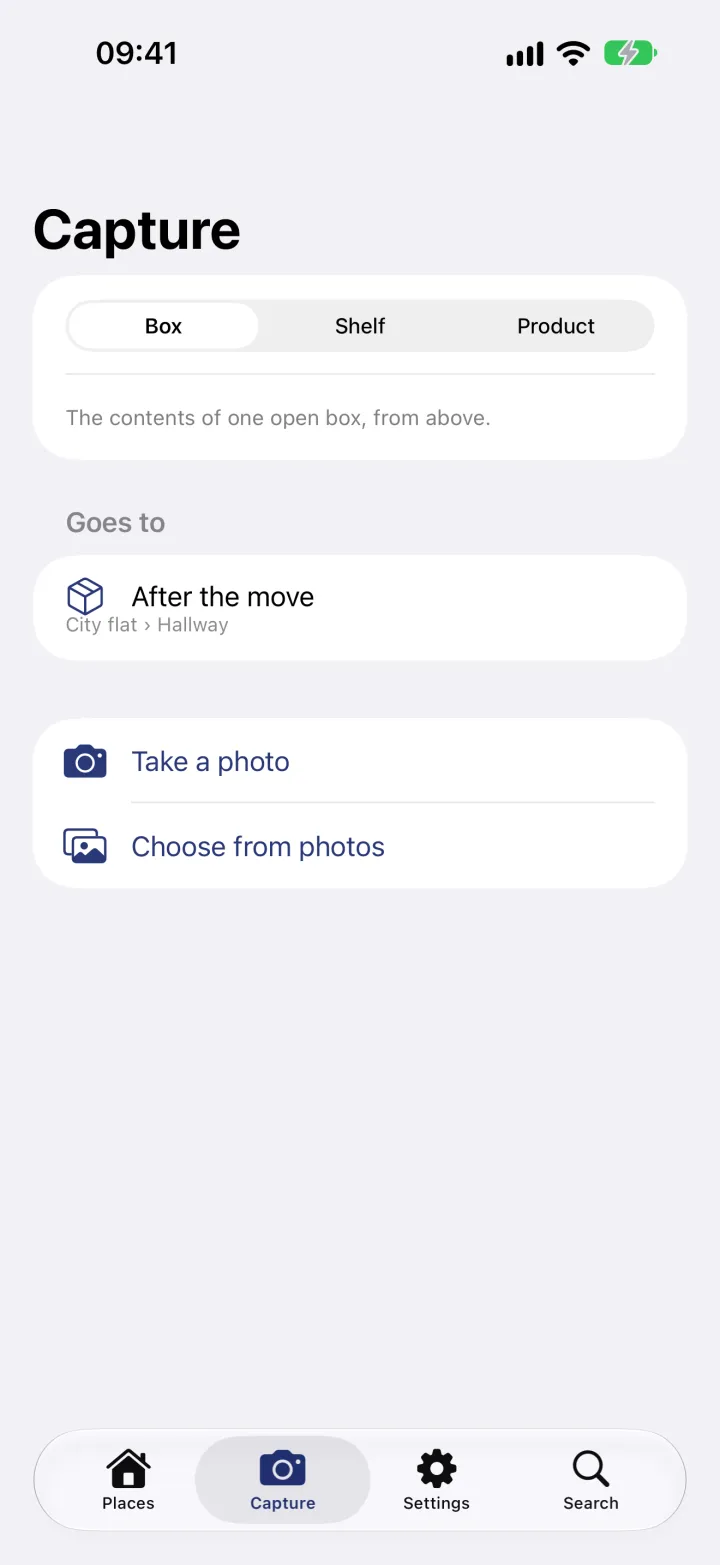
Pick the box
Open Capture, choose Box and set where the things go: here the box "After the move" in the hallway. Then tap Take a photo.
-
2
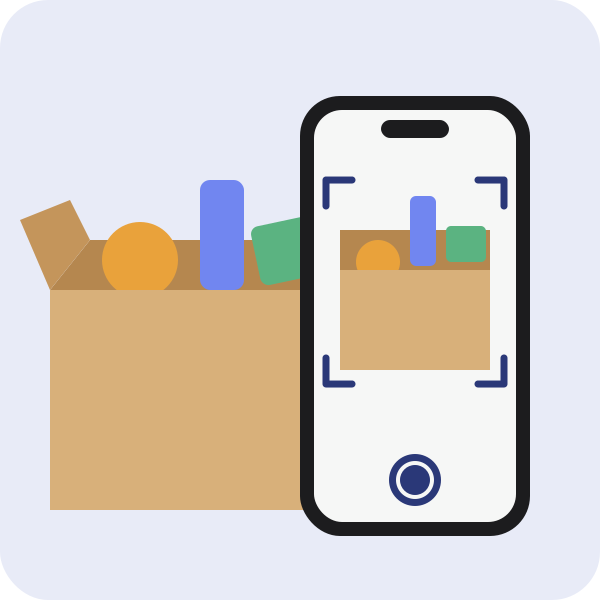
Photograph it from above
Open the flaps and take one photo of the contents from above. Neatkept reads the photo and proposes a list of what it sees.
-
3
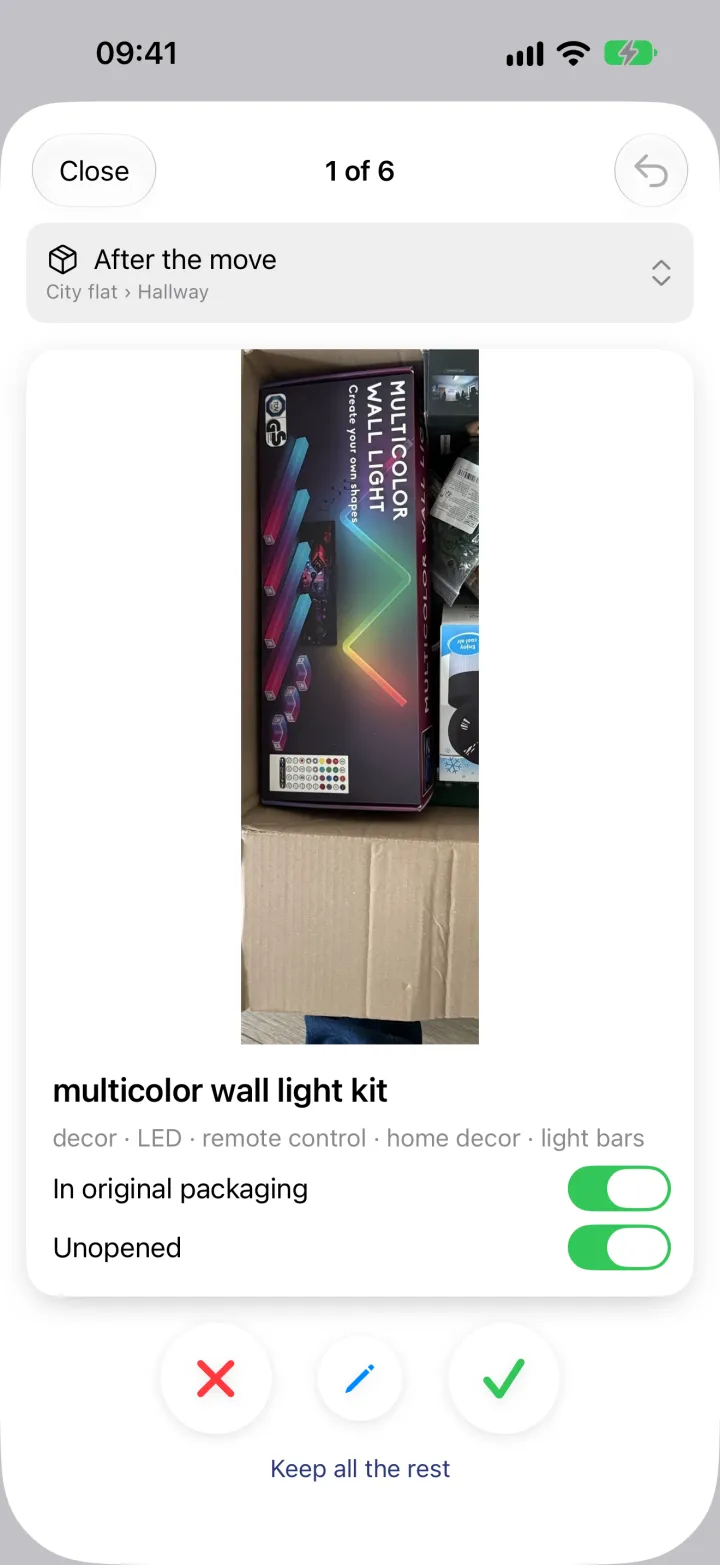
Swipe through the cards
Each thing comes as a card with a name, tags and the part of the photo where it is. Things still in their retail box are marked as packaged or unopened. Keep, drop or edit each one, or keep all the rest at once.
-
4
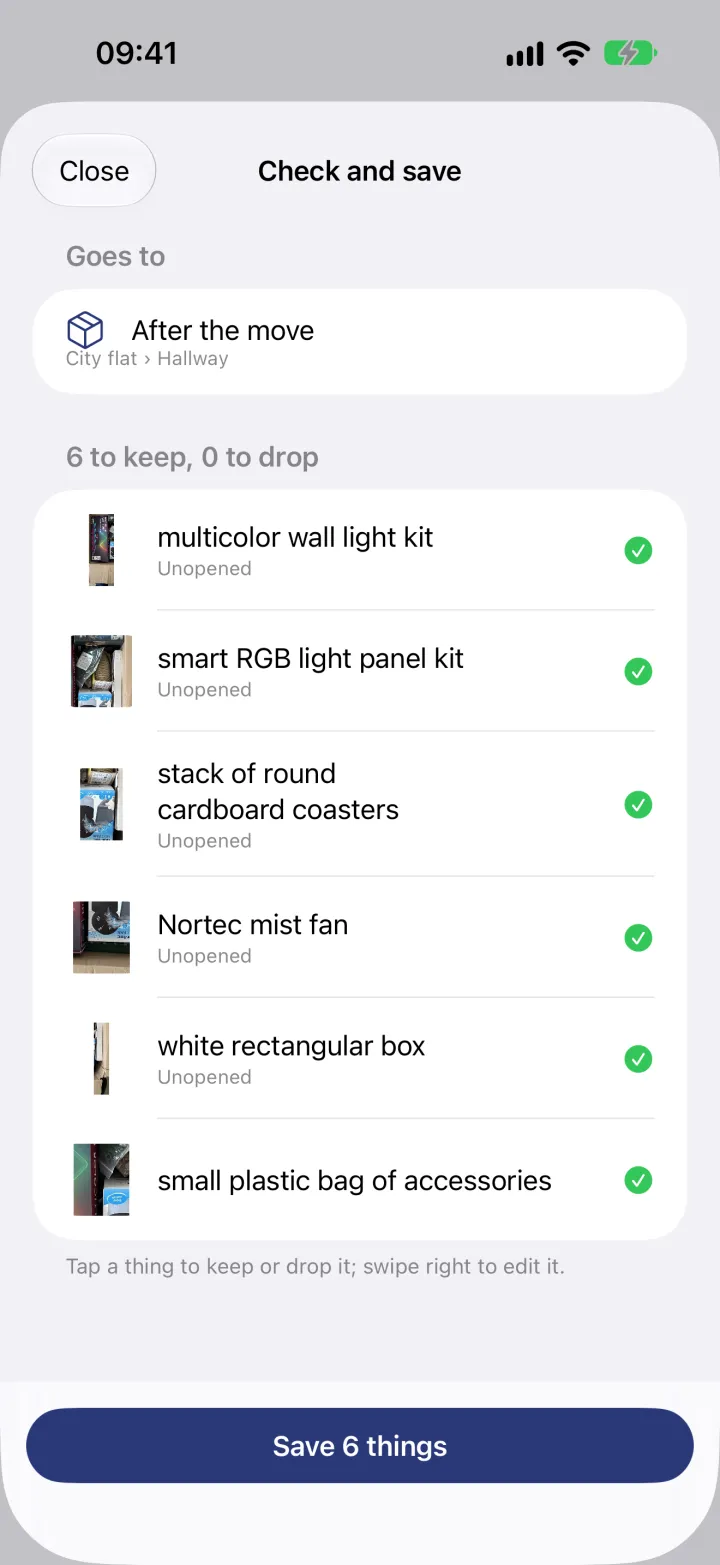
Check and save
The list shows what you're keeping and what you're dropping. Tap a thing to change your mind, swipe right to edit it, then save them all into the box.
-
5
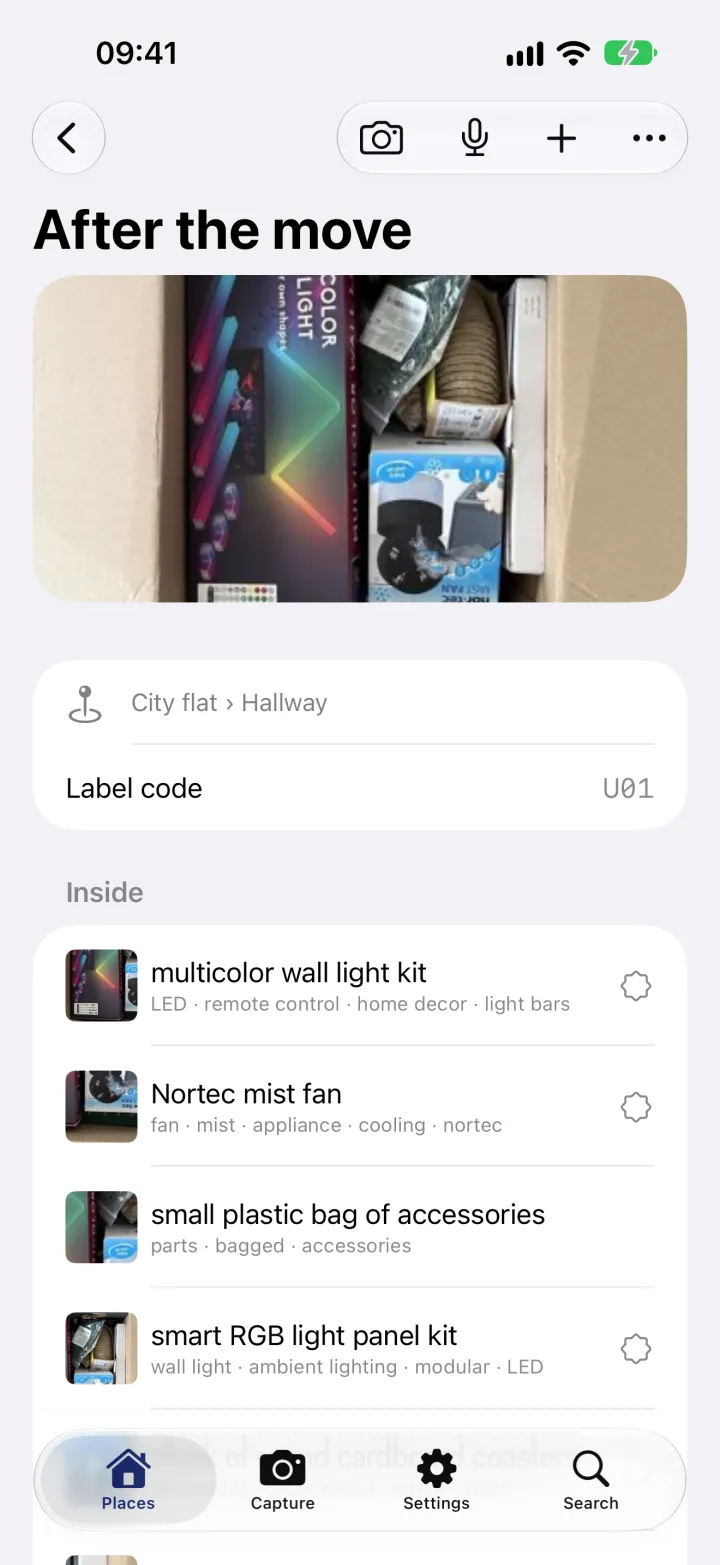
The box knows what's inside
The box now has its photo, its place and a list of its contents, each with its own picture. Search finds any of them, and the label code opens the box.
What this uses
Capture from a photo
Photograph an open box or a shelf. Neatkept lists what it sees, and you decide what to keep.
All your places
Every home you have, in one tree. Things sit in a box or right on a shelf, and each one has a full path.
Labels and box codes
A QR label or a code written with a marker. Either one opens the box in Neatkept.