 Neatkept
Print QR labels for storage boxes on A4 sticker sheets
You've bought a stack of storage boxes and want each one to say what's inside without opening it.
-
1
Choose how many and the sheet
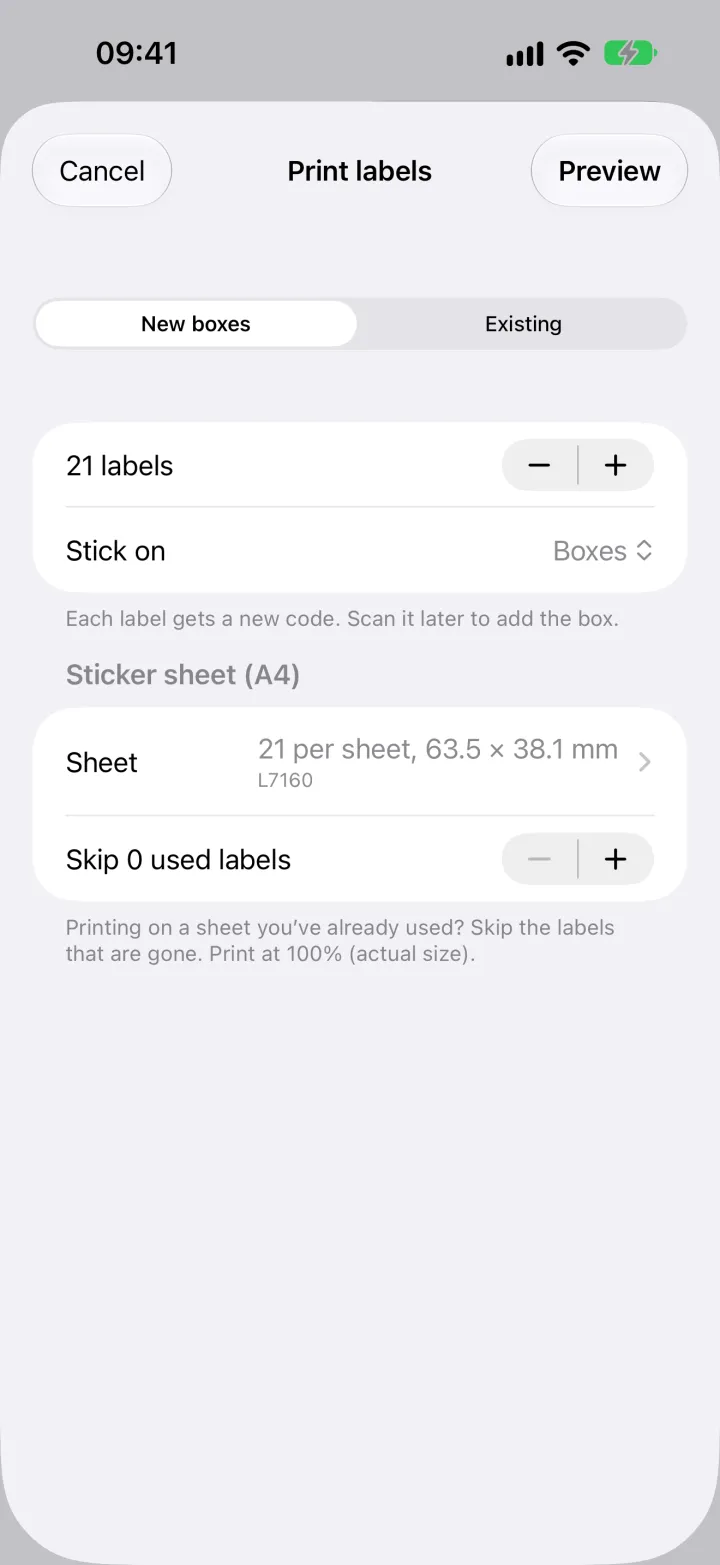
In Places, choose Print labels. Pick New boxes, set how many labels you need and whether they go on boxes or on shelves and zones. Choose your A4 sticker sheet; on a sheet you've used before, skip the labels that are gone.
-
2
Print the sheet
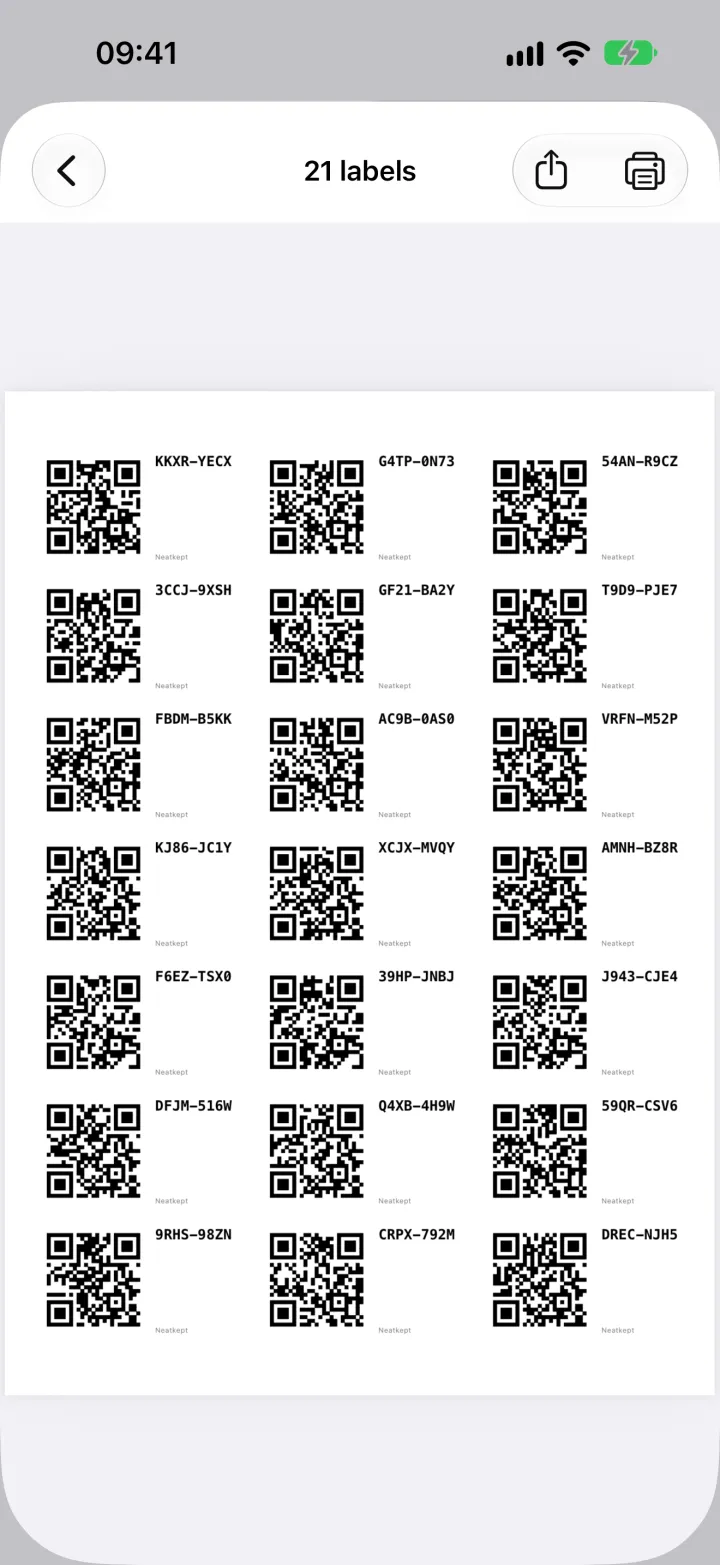
Tap Preview. Every label has a QR code and a short code you can read without the app. Print at 100%, or share the PDF.
-
3
Stick and scan
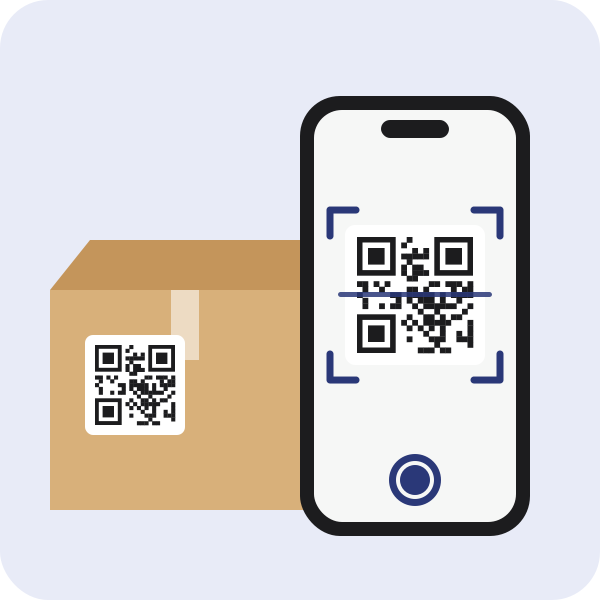
Stick a label on a box and scan it. Neatkept sees a new code and offers a new box with this label. From then on, one scan opens the box and shows what's inside.
What this uses
Labels and box codes
A QR label or a code written with a marker. Either one opens the box in Neatkept.
All your places
Every home you have, in one tree. Things sit in a box or right on a shelf, and each one has a full path.
Moves
Tell Neatkept where a box or a thing went, and its place is right for everyone in your household.