 Neatkept
Moving house? Keep track of every box with Neatkept
You're moving from the city flat to the house. Dozens of boxes, and you want to know which one has the waffle maker.
-
1
Pick the new home
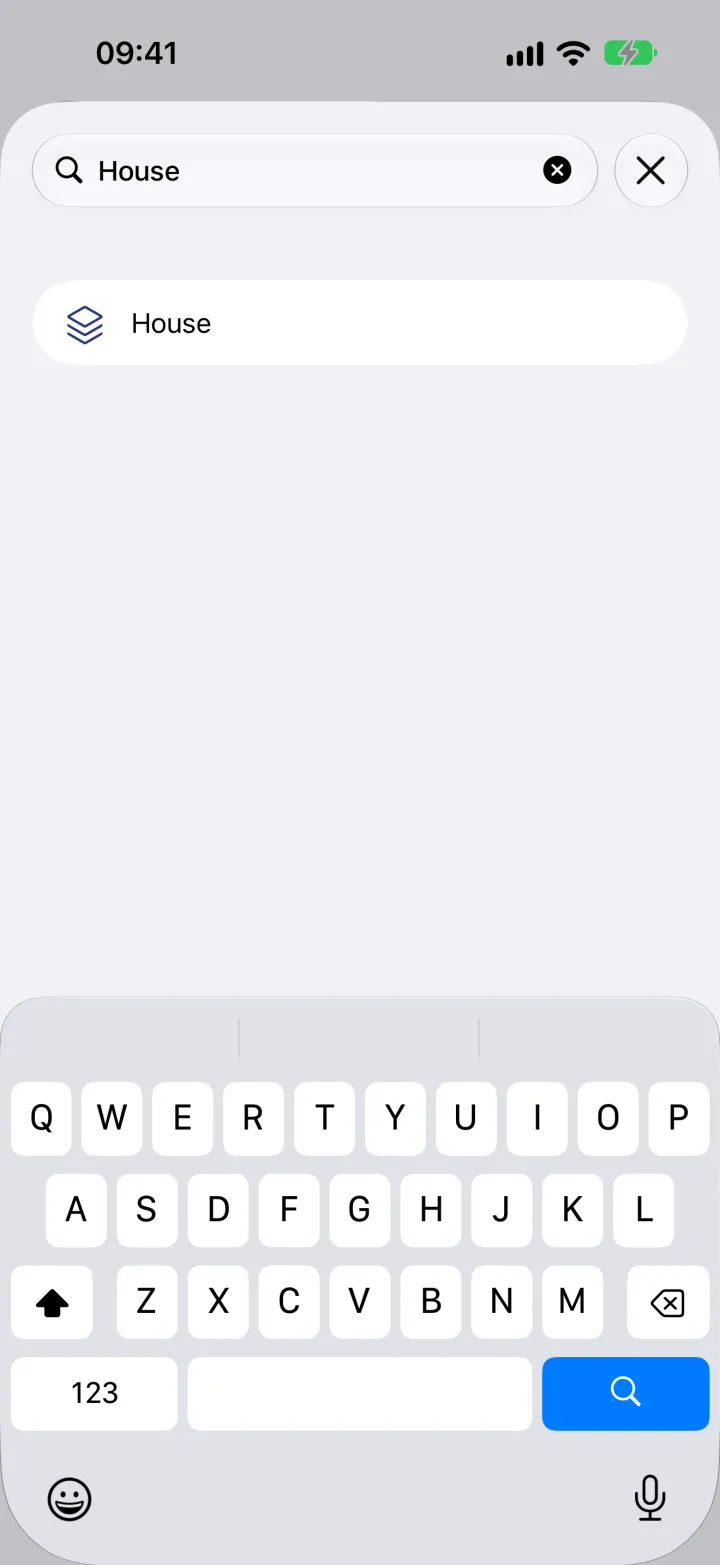
Open a box, tap ⋯, then Move the box. Type the new home's name, "House", and tap it.
-
2
Everything inside goes along
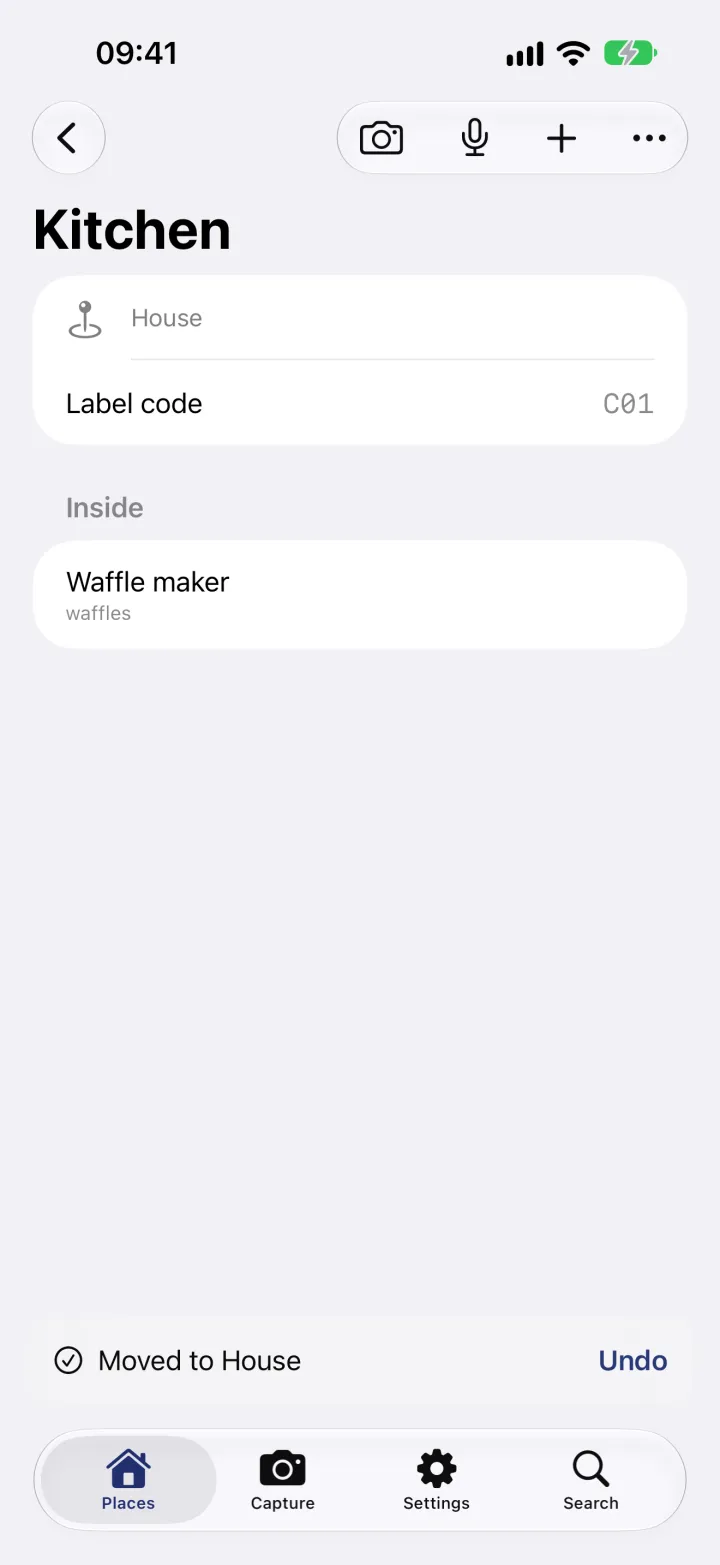
The box is now in the house, with everything in it; the things inside don't need moving one by one. Chose the wrong place? Tap Undo.
-
3
Watch the new home fill up
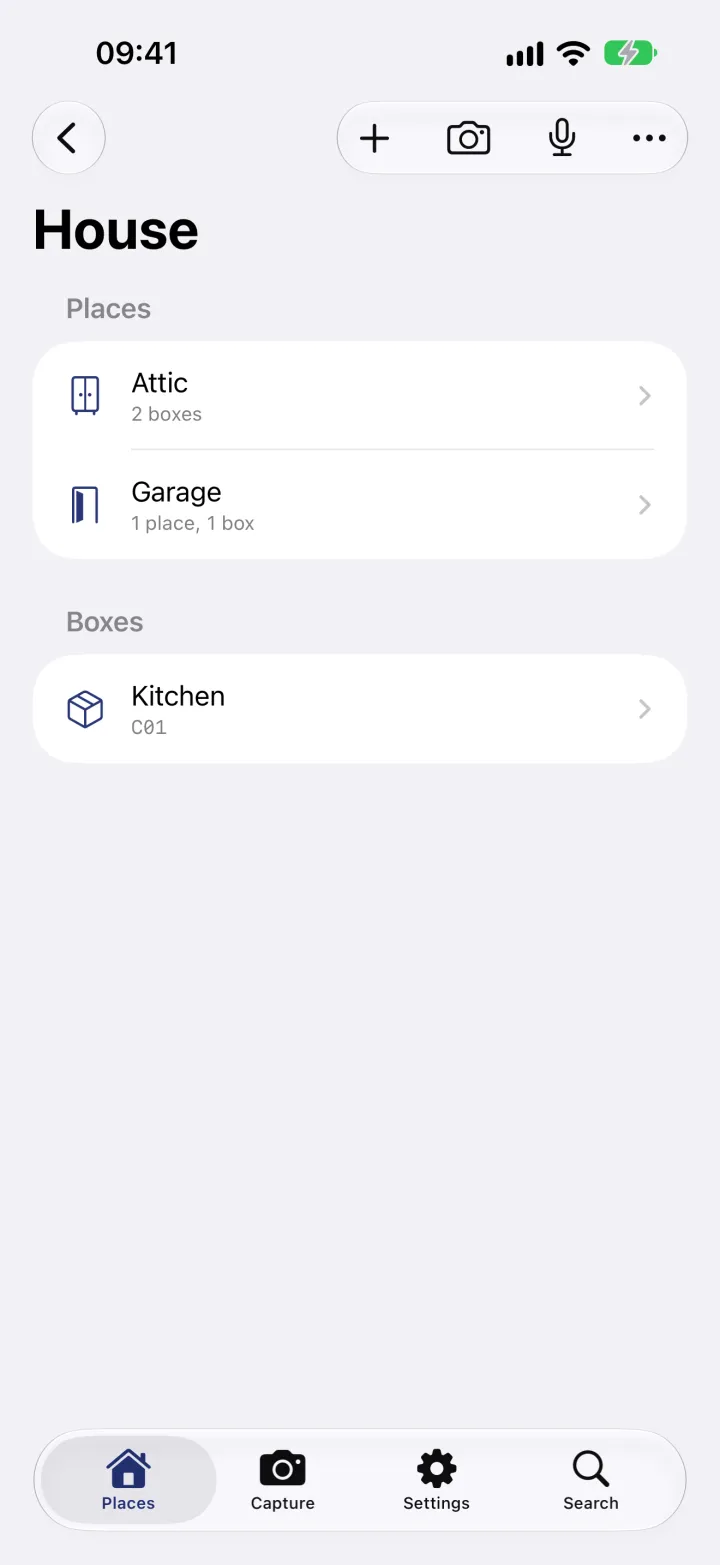
Open the house in Places. The box is listed under Boxes, below the house's places, until you put it where it belongs.
-
4
Unpack with two scans
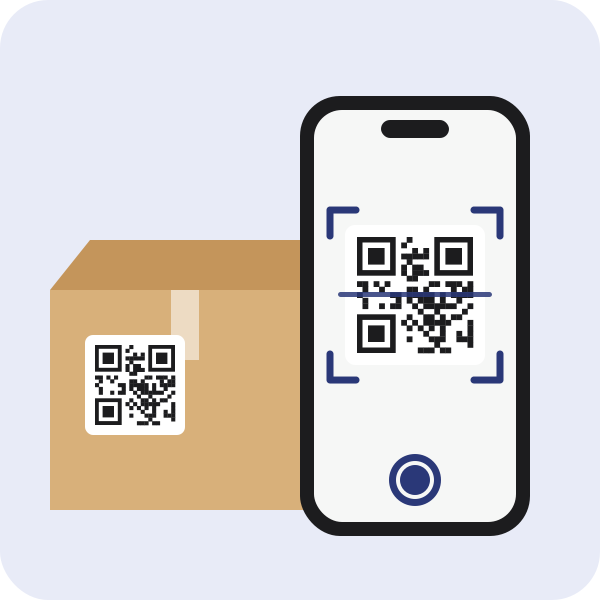
In the new home, tap Move on the Places screen and scan the box's label, then the label of the room or shelf it goes to. Two scans, and the box is in its place.
What this uses
Moves
Tell Neatkept where a box or a thing went, and its place is right for everyone in your household.
All your places
Every home you have, in one tree. Things sit in a box or right on a shelf, and each one has a full path.
Labels and box codes
A QR label or a code written with a marker. Either one opens the box in Neatkept.
Search in your own words
Ask the way you'd ask a person. Neatkept answers with the home, the room, the box and a photo.