 Neatkept
Barcode scanner for home inventory — add packaged things in seconds
Scan the barcode of a thing in its box, or photograph the packaging. Neatkept fills in the name for you.
Works on iPhone · iPad · Mac · Android · Web
Scan, check, save
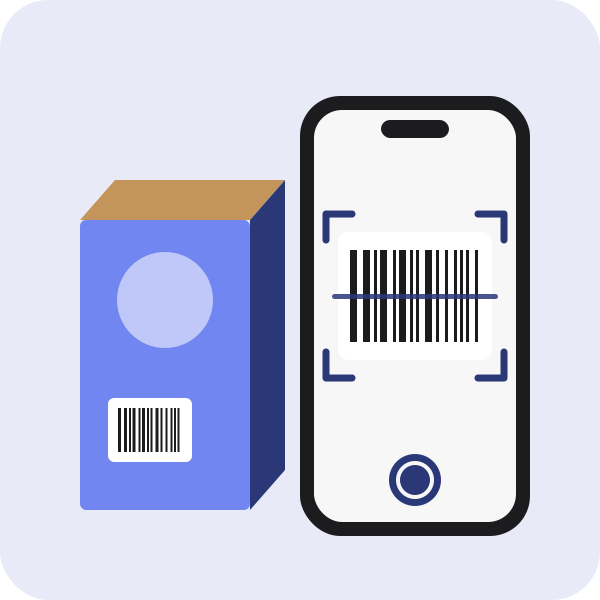
In Capture, pick Product and point the camera at the barcode. Neatkept looks the code up in product databases and shows a card with the name, brand and category. Set the quantity, choose where it goes and tap Save, and the scanner is ready for the next product. If the camera can't read the code, type the digits under the barcode.
When no database knows it
Plenty of tools, toys and household goods aren't in any database. Then photograph the packaging, label side up: the phone reads the printed text and the AI turns it into a name, a category and tags. The barcode is kept on the thing either way.
In original packaging, unopened
Many things at home still sit in their retail box, some never opened. Each thing has two switches, "In original packaging" and "Unopened", so you know what you'd find inside the cardboard.
Photograph the packaging in Add a thing
Adding one thing by hand from a box or a place? Tap "Photograph the packaging" in the form and the AI fills in the fields from the photo. "Undo the fill" brings back what you had typed. The form can scan a barcode too.
Find it by its barcode
Search has a barcode button as well. Scan a product in a shop and see at once whether a thing saved with that code is already in your home, and where.
See it in use
Do I have it already?
You're in a shop holding a LEGO train and can't remember whether the kids already have it. Or it's a gift, and you're putting it away.
Unpack after moving
The move is done and the hallway is full of boxes you won't unpack this month. One photo per box, and you still know what's in each.