 Neatkept
Do I have this already? Check before you buy a second one
You're in a shop holding a LEGO train and can't remember whether the kids already have it. Or it's a gift, and you're putting it away.
-
1
Check in the shop
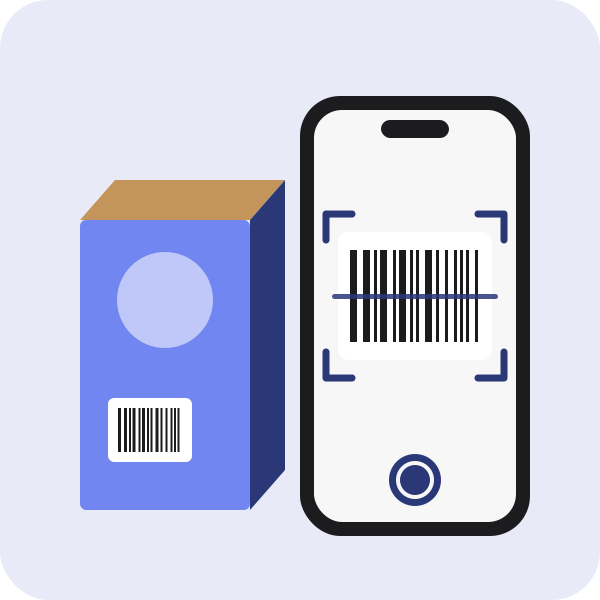
In Search, tap the barcode button and scan the box: things saved with that code show up with their place. Or type what it is and tap "Do I have “…” already?".
-
2
Putting it away at home
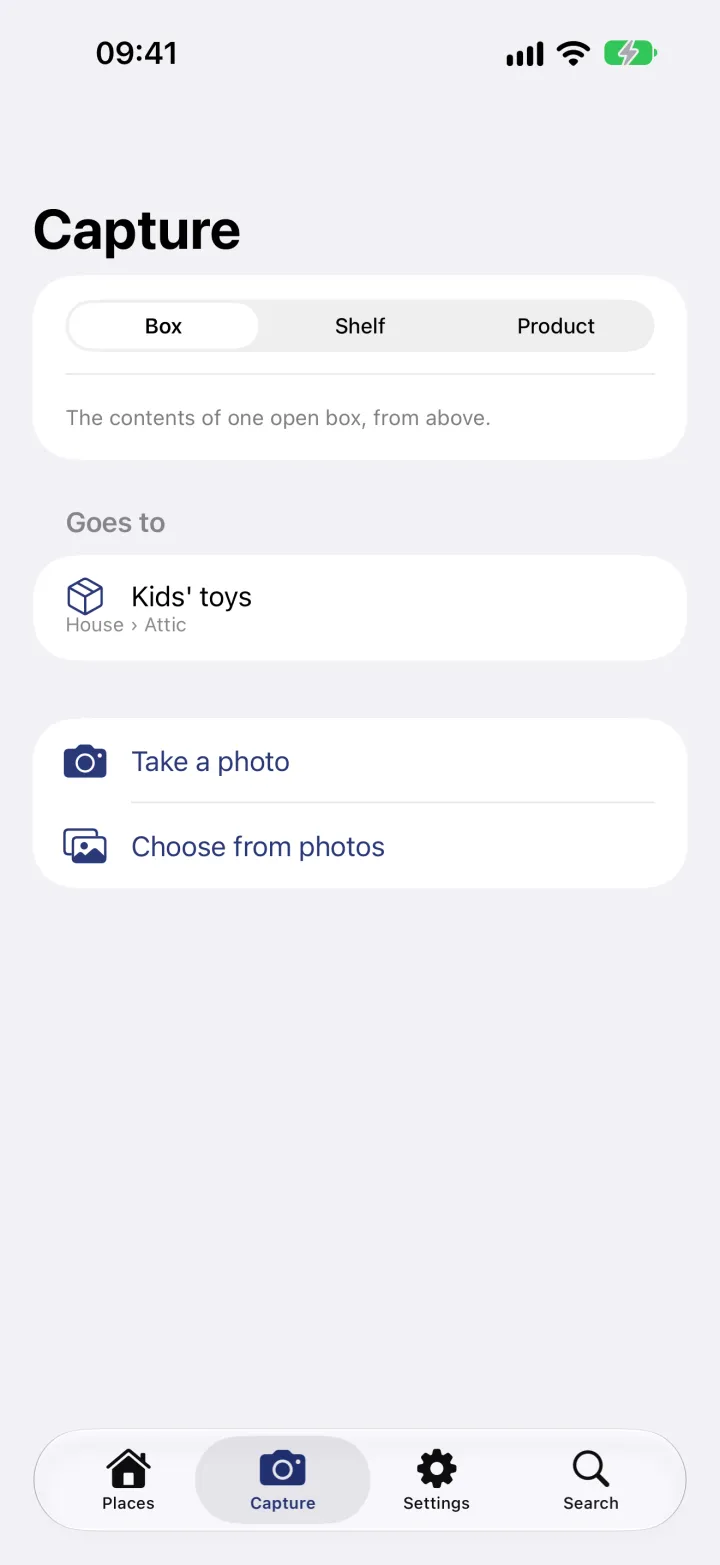
Open Capture, choose Box and the box it goes into, here the kids' toys in the attic. Take a photo of the open box.
-
3
See the copy you have
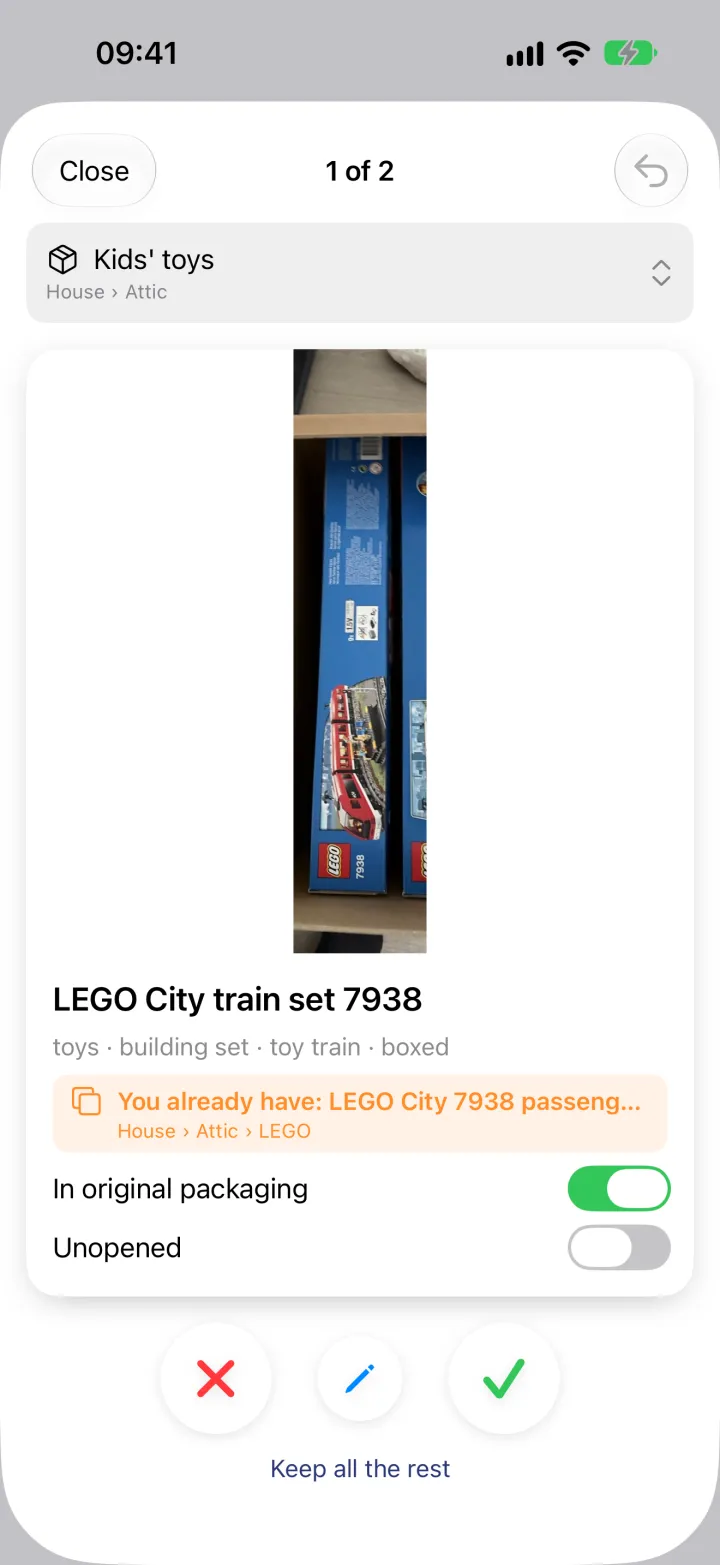
The card for the train says "You already have:" with the set's name and its place, the LEGO box in the attic. Drop the card, or keep it if two are fine.
What this uses
You may have this already
Before you buy or save a second drill, Neatkept tells you about the first one and where it is.
Search in your own words
Ask the way you'd ask a person. Neatkept answers with the home, the room, the box and a photo.
Barcodes and packaging
Scan the barcode of a thing in its box, or photograph the packaging. Neatkept fills in the name for you.