Neatkept
Inventory a whole shelf with one photo
The office rack holds bins, boxes, chargers and stands. You don't want to type twenty names, so you take one photo.
-
1
Shoot the whole shelf
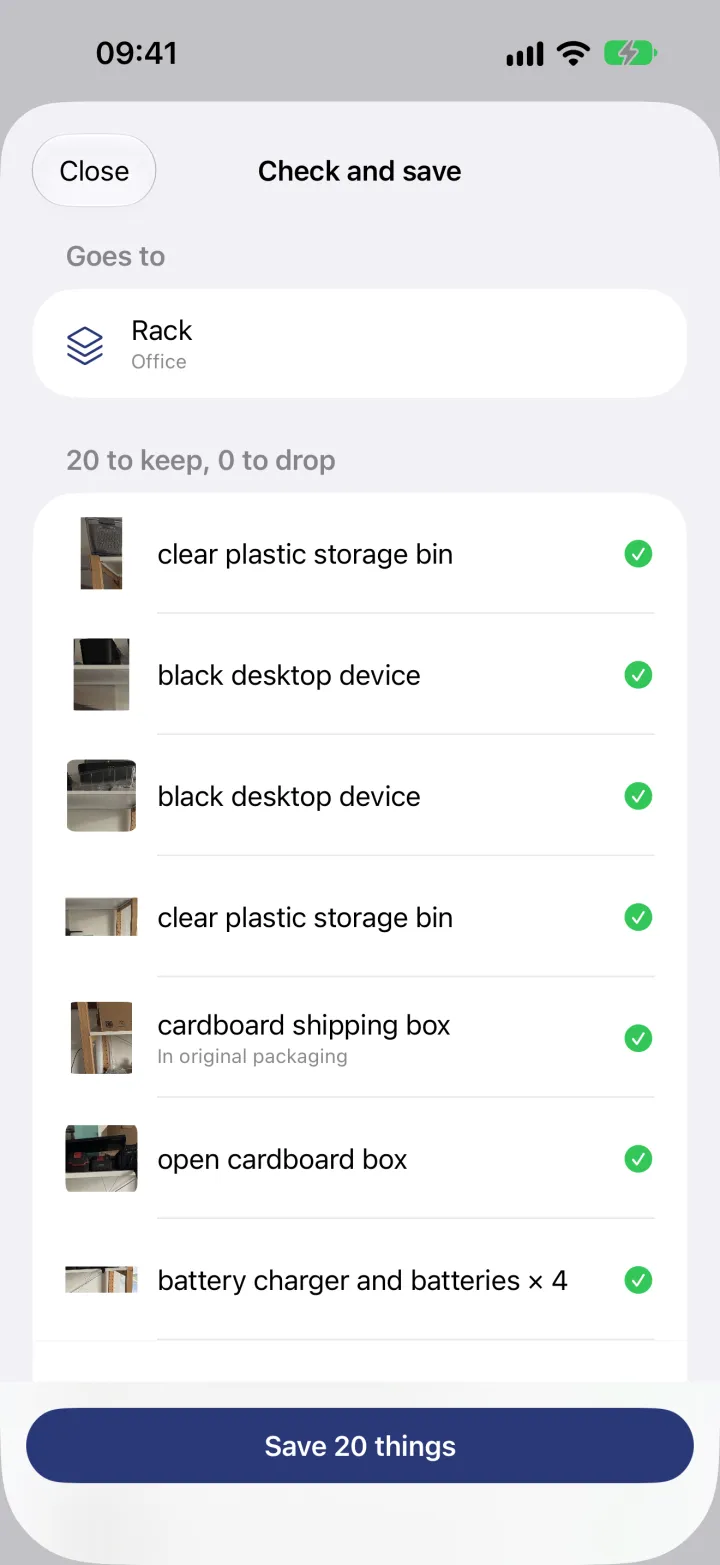
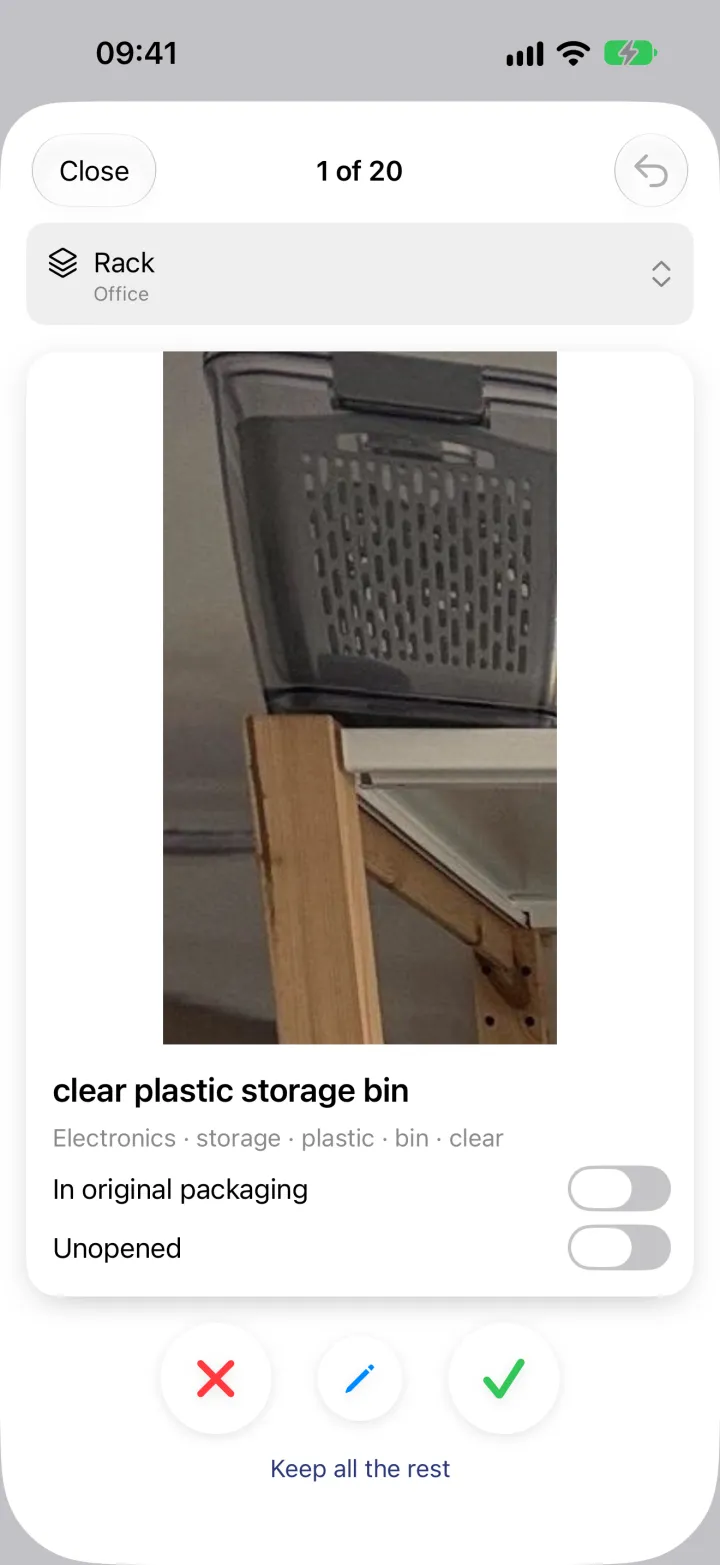
In Capture, choose Shelf, set the place (here the rack in the office) and photograph it. Neatkept finds each thing and shows it on its own card, cut out of the big photo, so you can tell which bin is meant.
-
2
Keep what's right, save the rest
Swipe through the cards or keep all the rest at once, then check the list. Tap a thing to drop it, swipe right to fix its name, and save everything to the shelf. Each thing keeps its own piece of the photo.