Neatkept
Label storage boxes with a marker — no printer needed
No printer, no stickers, just a marker. You write K01 on the box of kids' toys and still find out what's inside without opening it.
-
1
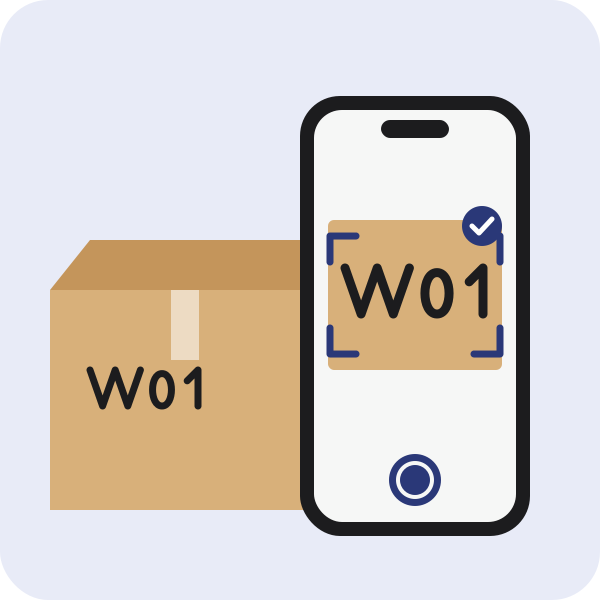
Write the code, let the camera read it
Write a short code on the box. When you add the box, tap the camera next to its label code field and tap the written code, or type it. When you photograph the open box without choosing where things go, Neatkept reads the code and picks that box.
-
2
Type the code to find the box
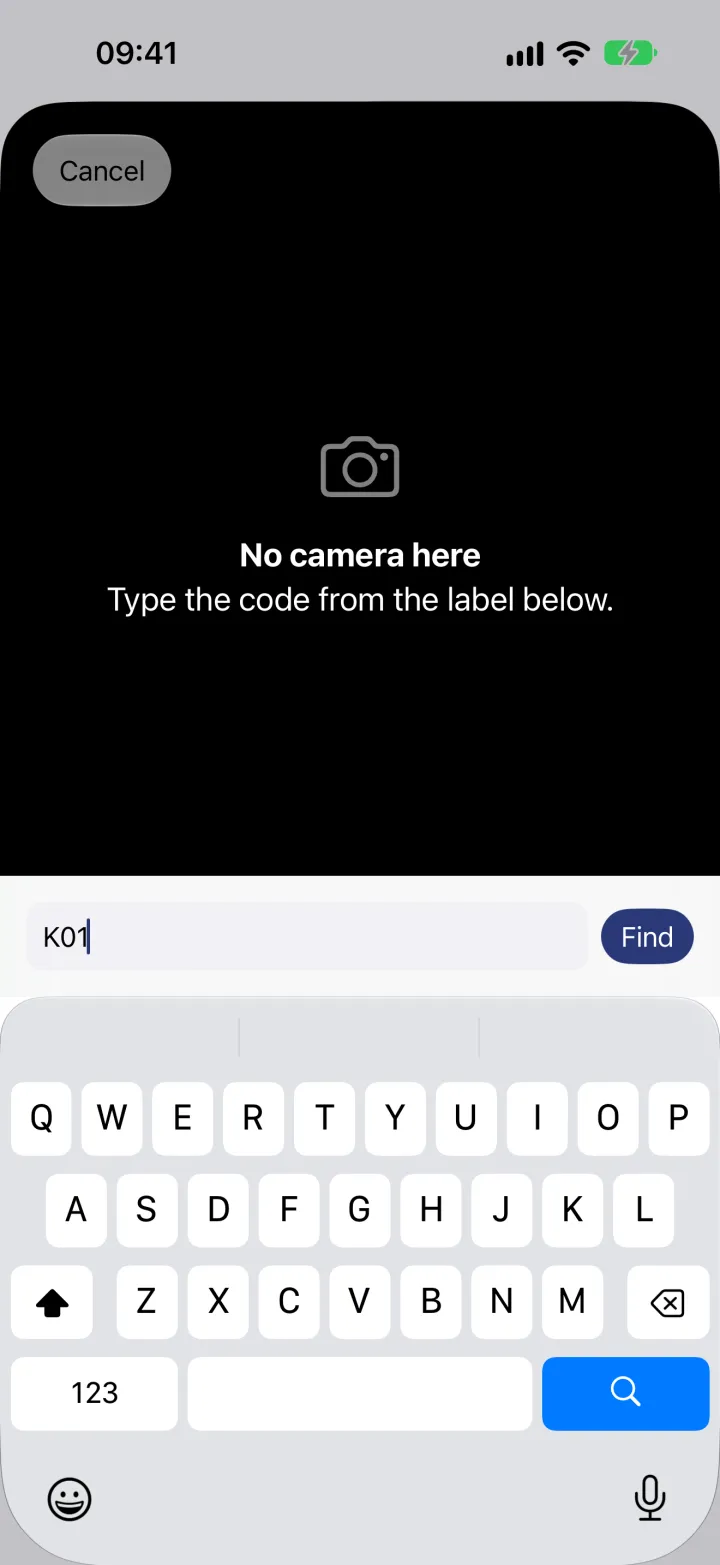
In Places, tap Scan a label. Point it at a printed QR label, or type a handwritten code in the field at the bottom, here K01, and tap Find.
-
3
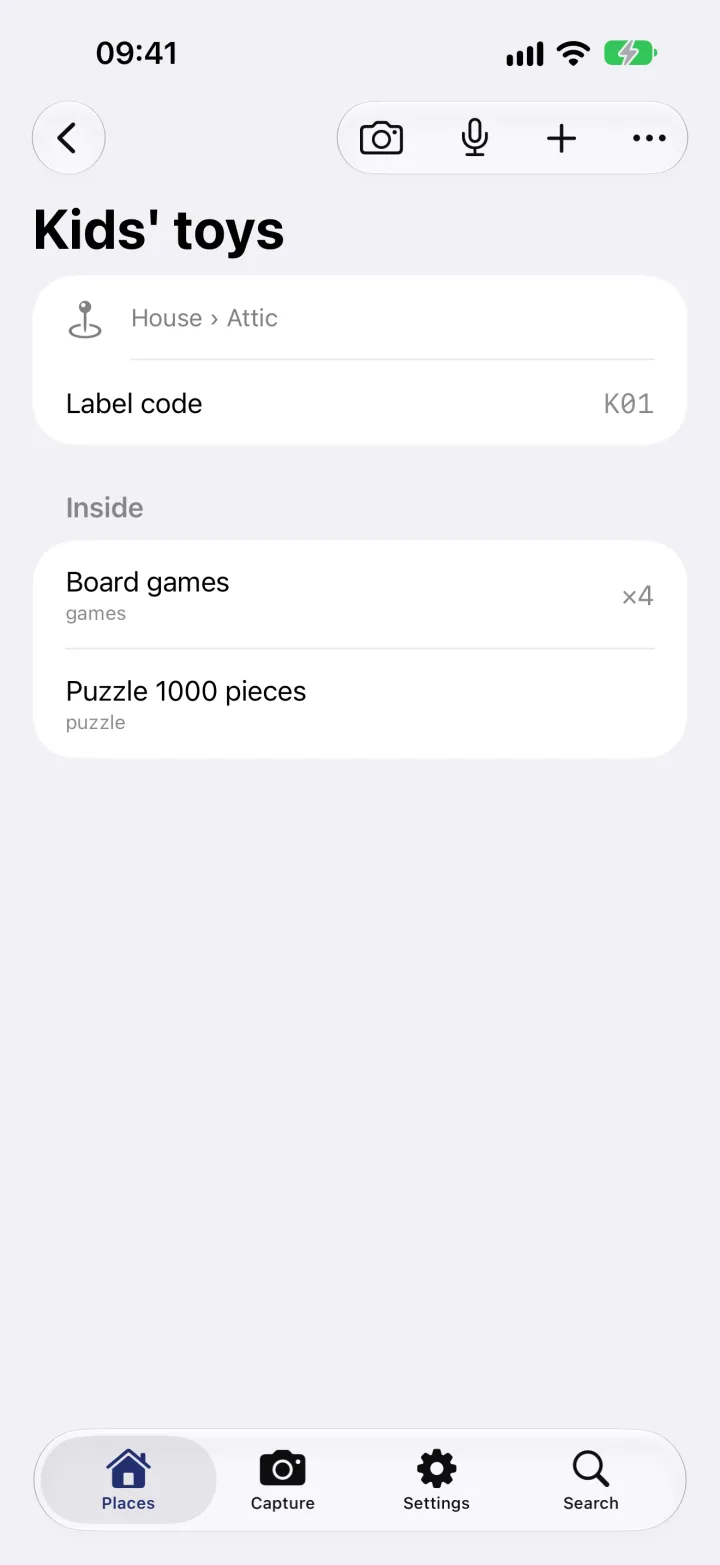
The box opens
You see the box, its place in the house's attic and everything inside it, without lifting the lid.