Neatkept
List your belongings for home insurance, with photos and values
You're renewing the home insurance, and the insurer asks what's in the house and what it's worth. The list is already in your phone.
-
1
Open the report and fill the gaps
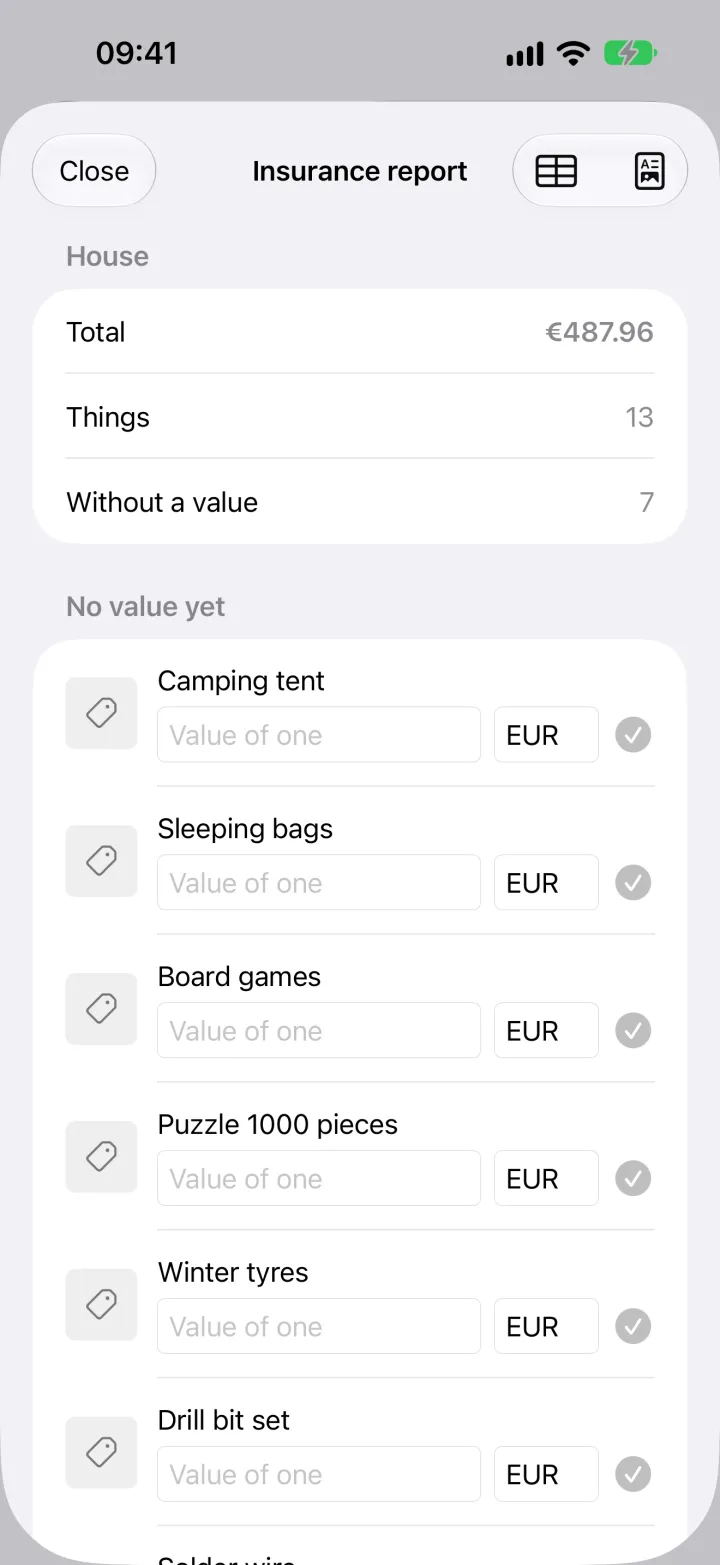
Open the property and choose Insurance report. You see the total, how many things there are and how many have no value yet. Those come first: type the value of one, check the currency and save.
-
2
Share the PDF
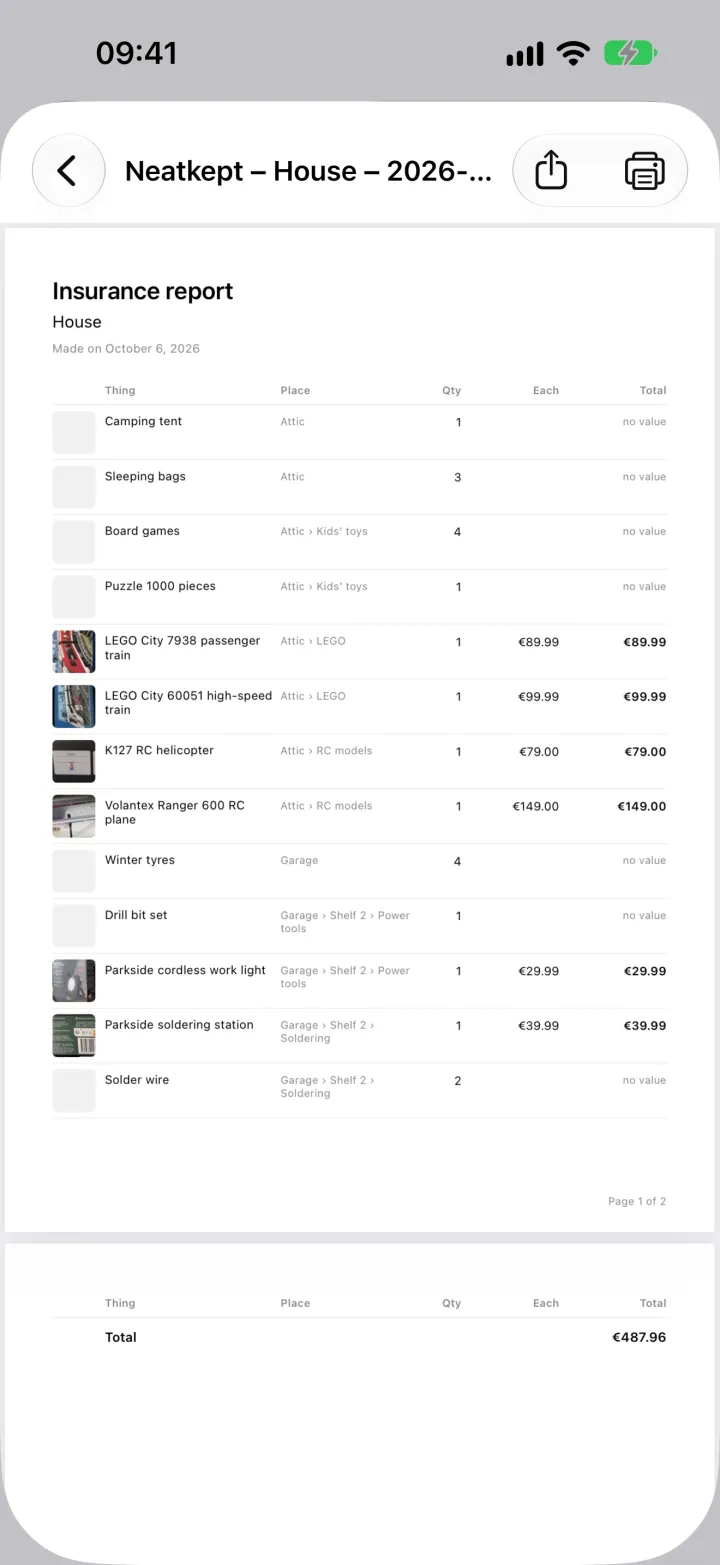
Tap the document button at the top right for the PDF. Every thing gets a row with its photo, place, quantity, value of one and total, page by page. Print it, or share it with the insurer. Need a spreadsheet? The table button next to it gives a CSV.