 Neatkept
Never forget the garden gate code — keep lock codes safe
The gate at the garden plot has a code lock, and you open it twice a year. Every time, nobody remembers the code.
-
1
Add the code to its place
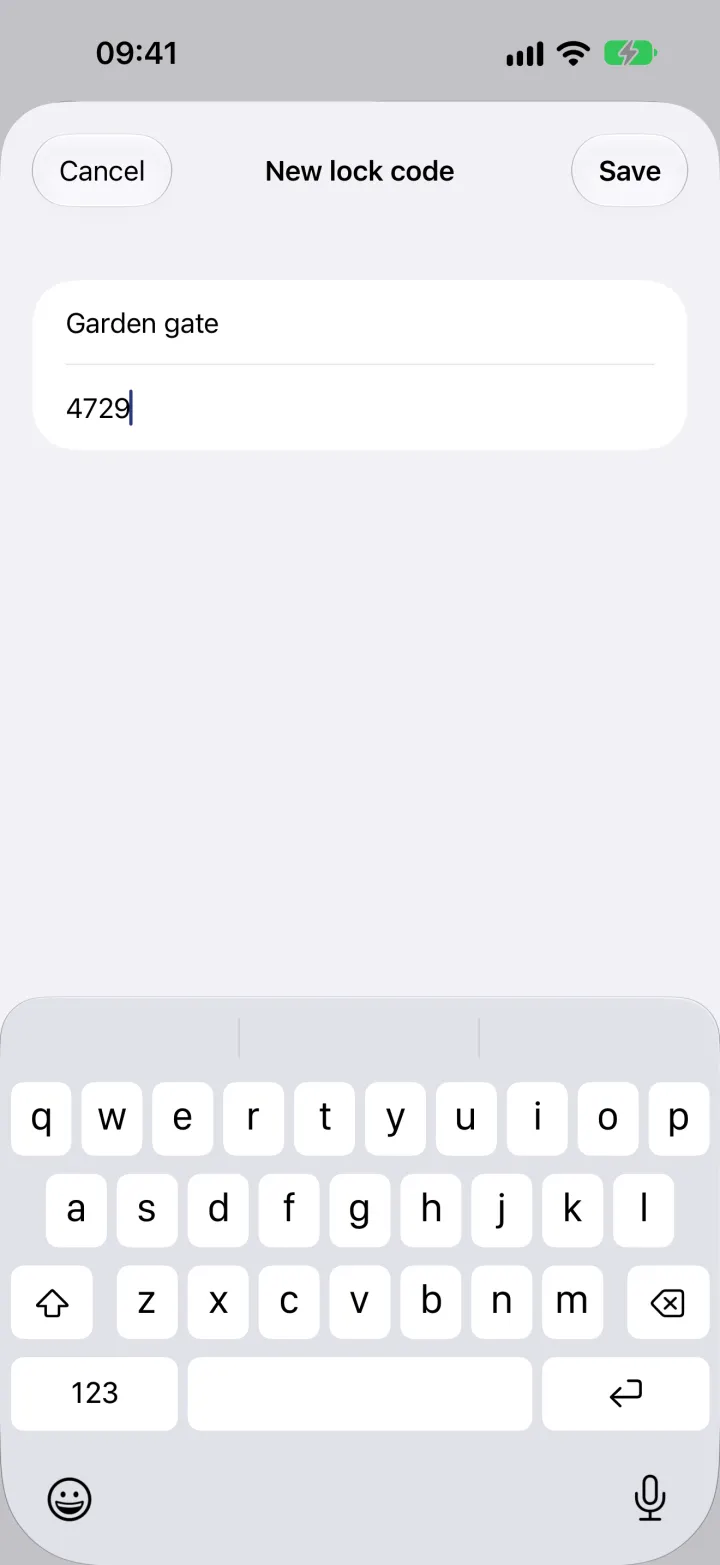
Open the garden in Places and choose Add a lock code under ⋯. Name the lock, type the code and save. It's stored encrypted on our servers in the EU.
-
2
Open it with Face ID or a fingerprint
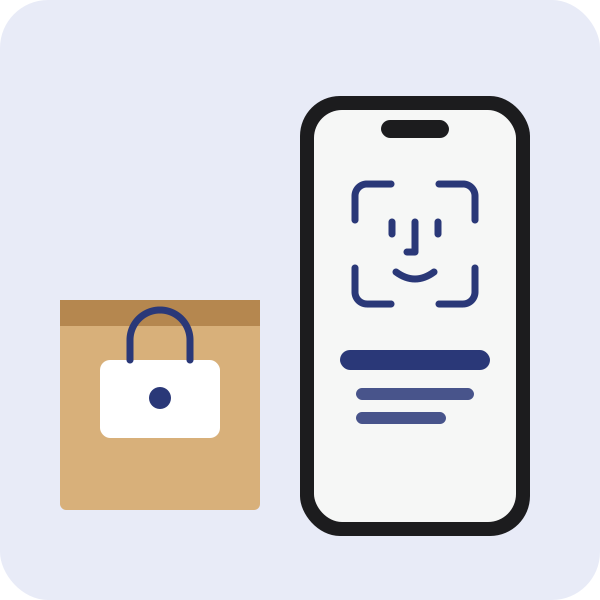
At the gate, open the garden and choose Lock codes (1) under ⋯. The phone asks for Face ID, a fingerprint or your screen lock once, then shows the code. Editors in your household open it on their phones the same way.
What this uses
Lock codes
The garden gate, the storeroom door, the padlock on a crate. Neatkept keeps their codes, sealed.
All your places
Every home you have, in one tree. Things sit in a box or right on a shelf, and each one has a full path.
Share with family
One inventory for the whole household. Everyone finds things, and you decide who can change them.