Neatkept
Share your home inventory with your family
You know where everything is, and everyone at home keeps asking you. Let them find it themselves.
-
1
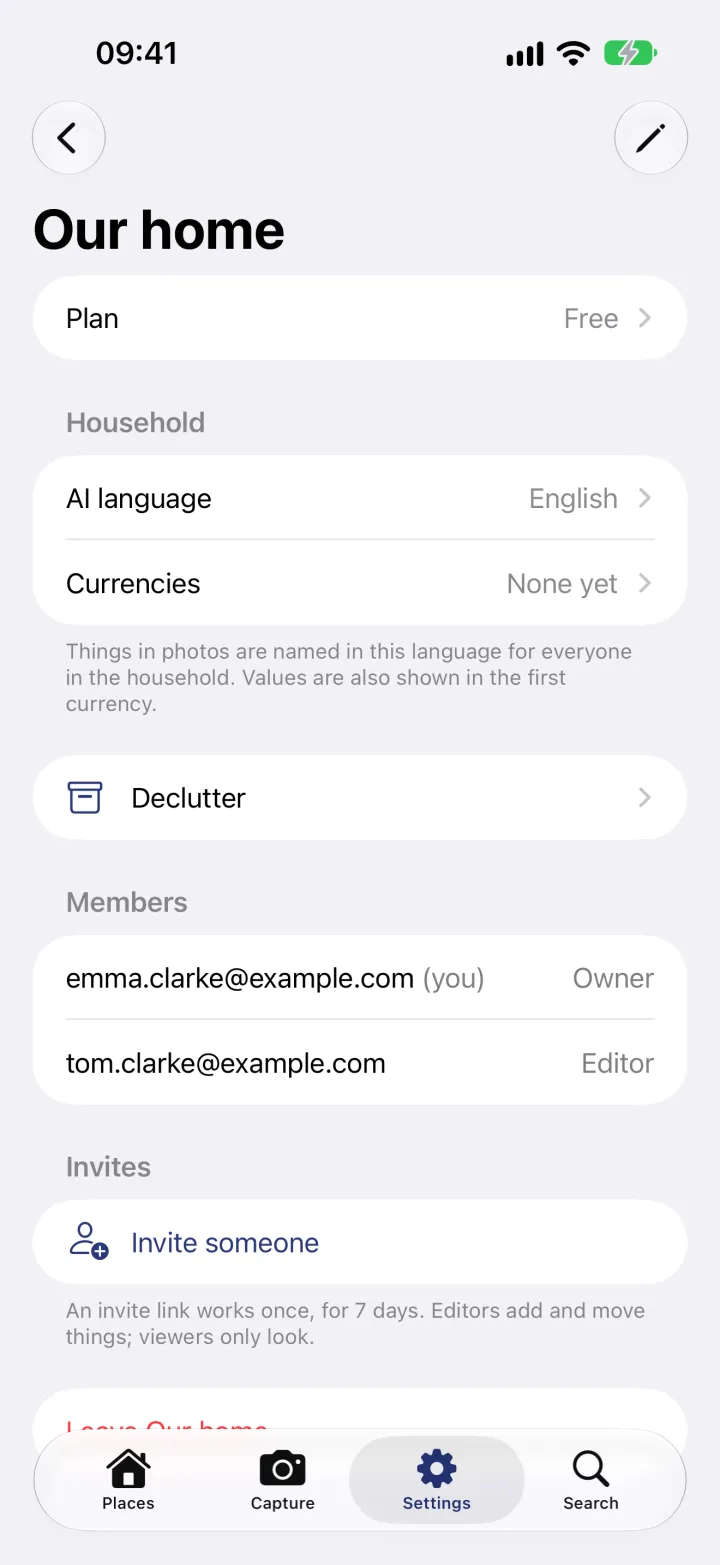
Open your household
In Settings, open your household. Members shows who is in it and their role. Under Invites, tap Invite someone.
-
2
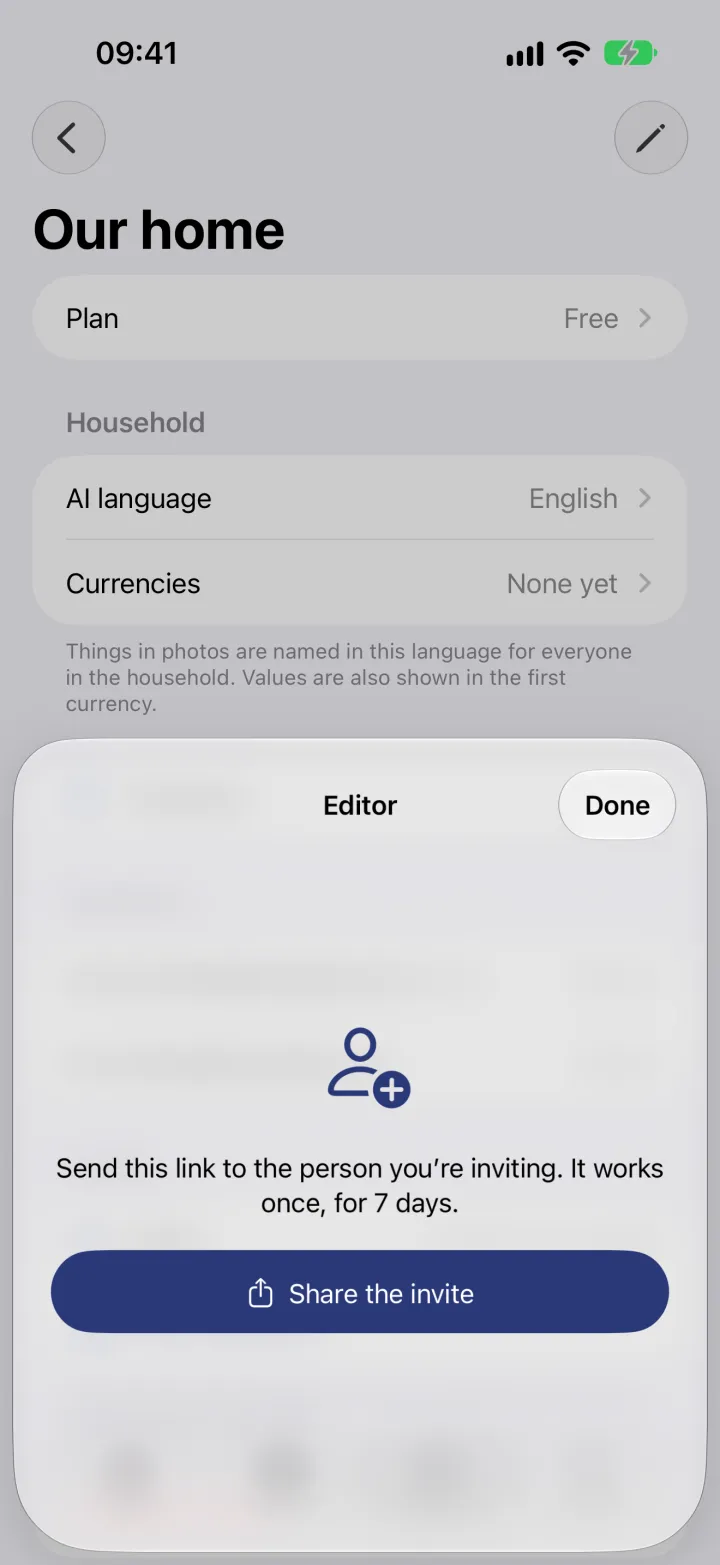
Send the invite
Pick Editor to let them add and move things, or Viewer if they only need to look. The invite opens: tap Share the invite and send the link. It works once, for 7 days, and opens straight in Neatkept.